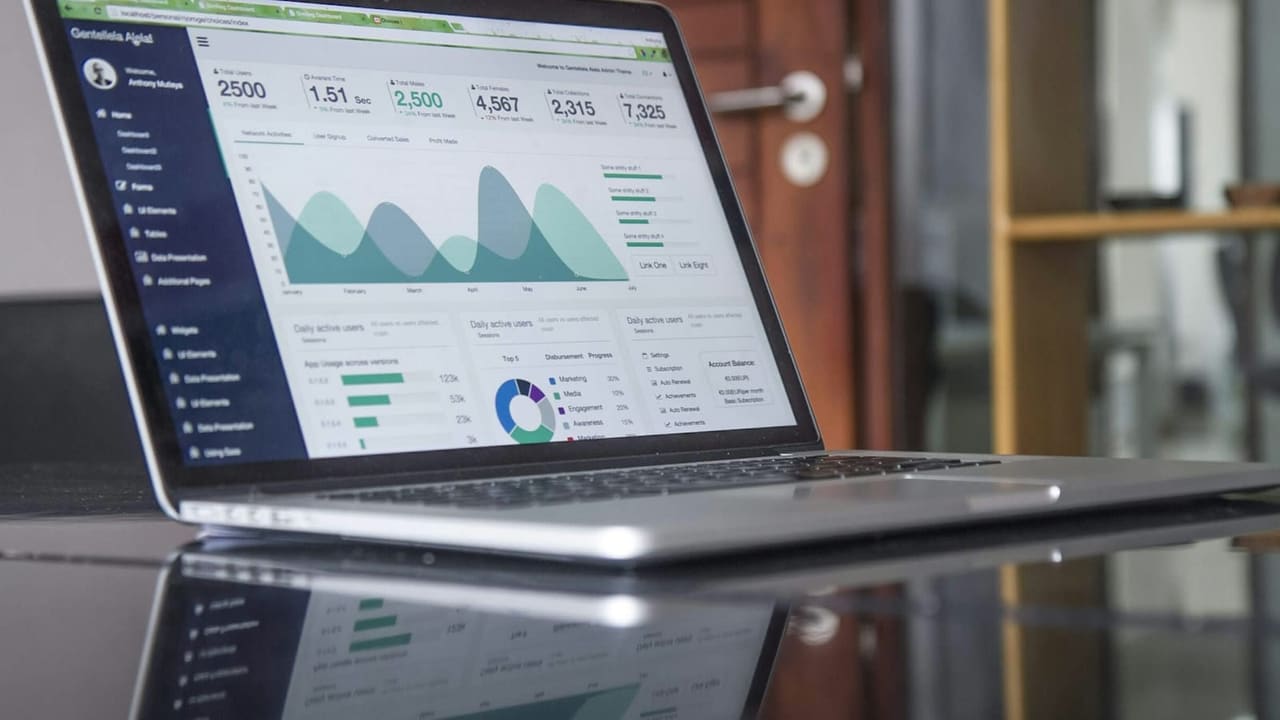
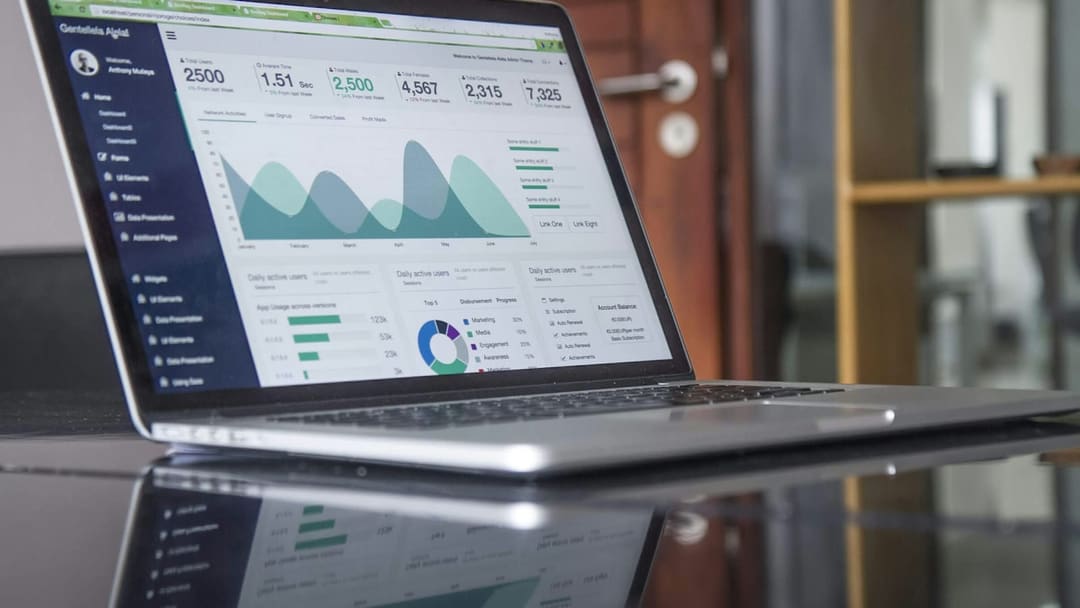
ERP solutions unify finance, inventory, production and HR on one platform, giving businesses a competitive edge.
Key takeaways
- ERP brings finance, purchasing, inventory, production, sales and HR together on a single database.
- The biggest gain is that every department looks at the same data and duplicate data entry disappears.
- A successful ERP project starts with process analysis, before choosing the software.
- Data migration, integrations and user training should each be planned as separate items in the project timeline.
In this article8 sections
In a growing business, information tends to live in scattered places: accounting in one program, inventory in a spreadsheet, orders in email threads, staff records in yet another file. Past a certain point that scattering slows decisions down and means the same data is entered several times. Enterprise resource planning (ERP) aims to fix this by bringing the core processes of the business into one system and one database. This article covers what ERP is, which modules it consists of and how an ERP project should be run.
What is ERP?
ERP (Enterprise Resource Planning) is software that manages business processes such as finance, purchasing, inventory, production, sales and human resources through connected modules. The core idea is simple: data is entered once and everyone uses the same data. When sales creates an order, stock is reserved, the warehouse prepares the shipment, finance issues the invoice, and all of these steps move forward on the same record.
Core ERP modules
ERP systems are modular; a business can start with the modules it needs and expand over time.
| Module | Processes covered |
|---|---|
| Finance and accounting | General ledger, receivables and payables, cash flow, reporting |
| Purchasing | Requisitions, quotes, purchase orders, supplier management |
| Inventory and warehouse | Stock levels, inter-warehouse transfers, stock counts |
| Production | Bills of materials, material requirements planning, work orders |
| Sales and customers | Quotes, sales orders, price lists, customer records |
| Human resources | Employee records, leave, payroll |
For businesses operating in Turkey, integrating electronic document processes such as e-Invoice (e-Fatura), e-Archive Invoice and e-Dispatch Note with the ERP is also a practical necessity.
What does ERP bring to a business?
- A single source of truth: departments look at the same records instead of separate spreadsheets, so there are fewer "which number is right?" debates.
- Less manual work: the flow from order to invoice is automated, cutting duplicate data entry and the errors that come with it.
- Real-time visibility: inventory, open orders and cash position can be tracked without waiting for the end-of-day report.
- Traceability: you know who changed which record and when, which makes audits and internal control easier.
- Scalability: adding a branch, warehouse or product line does not require setting up a separate system.
Cloud or on-premise?
Cloud ERP leaves server management to the provider, usually works on a subscription model and makes remote access easy. On-premise installations keep the data on your own infrastructure and allow deeper customisation, but maintenance and updates are your responsibility. The decision should be driven by data residency requirements, your IT team's capacity and how much customisation you need.
Steps of a successful ERP project
The hard part of ERP projects is rarely the software itself; it is preparing processes and people for change. A healthy project roughly follows these steps:
- Process analysis: current workflows are mapped, and the team decides what to keep and what to improve.
- Solution selection: an off-the-shelf package, a customised package or bespoke development is evaluated against the requirements.
- Data migration: customer and supplier accounts, products and open balances are cleaned and moved to the new system.
- Integrations: connections to the online store, carriers, banks and e-document services are built.
- Training and go-live: users are trained on real scenarios; the switch happens all at once or module by module.
- Post-launch support: issues from the first weeks are resolved quickly and reports are fine-tuned.
ERP looks like a software project, but it is really a process project: digitising a badly designed process only makes it bad faster.
Is it time to move to ERP?
Not every business needs ERP from day one, but when these signs become clear it is time to take a serious look:
- Month-end reports take days because data has to be combined from different spreadsheets.
- Sales can sell items that are out of stock, or the warehouse sees open orders late.
- The same customer or product details are entered separately into more than one program.
- Adding a new branch or sales channel noticeably complicates day-to-day work.
Common mistakes
The most common mistakes are skipping process analysis and jumping straight to software selection, over-customising to replicate every old habit, leaving data cleanup to the final week and reducing user training to a short presentation. A project without an owner who has decision-making authority also tends to leave priority conflicts unresolved for far too long.
Conclusion
Designed well, ERP is a backbone that brings every part of the business together on the same data and makes growth easier. At Dijicrea we start ERP projects by reviewing processes together with the client before talking about software, then build the integrations with existing systems, custom modules and reporting screens the work calls for, shaped around how teams actually work day to day.